

In today’s professional world, first impressions matter more than ever. When someone visits your LinkedIn profile, the first visual they notice is your LinkedIn banner. Whether you are a job seeker, entrepreneur, or company, your banner plays a crucial role in shaping your personal or business brand. A well-designed LinkedIn banner can make your profile stand out, communicate professionalism, and even highlight your skills or services.
What Is a LinkedIn Banner?
A LinkedIn banner (also known as a cover image) is the large horizontal image displayed at the top of your LinkedIn profile. It appears behind your profile photo and spans across the width of your profile page. The banner is one of the first things people notice when visiting your profile, making it a powerful visual tool for professional branding.
Why LinkedIn Banners Are Important
- Communicate professionalism at first glance
- Showcase personal or business brand
- Highlight skills, achievements, or services
- Make your profile memorable
- Complement your profile picture and headline
Without a banner, your LinkedIn profile may look incomplete or less engaging, reducing its impact.
LinkedIn Banner Dimensions
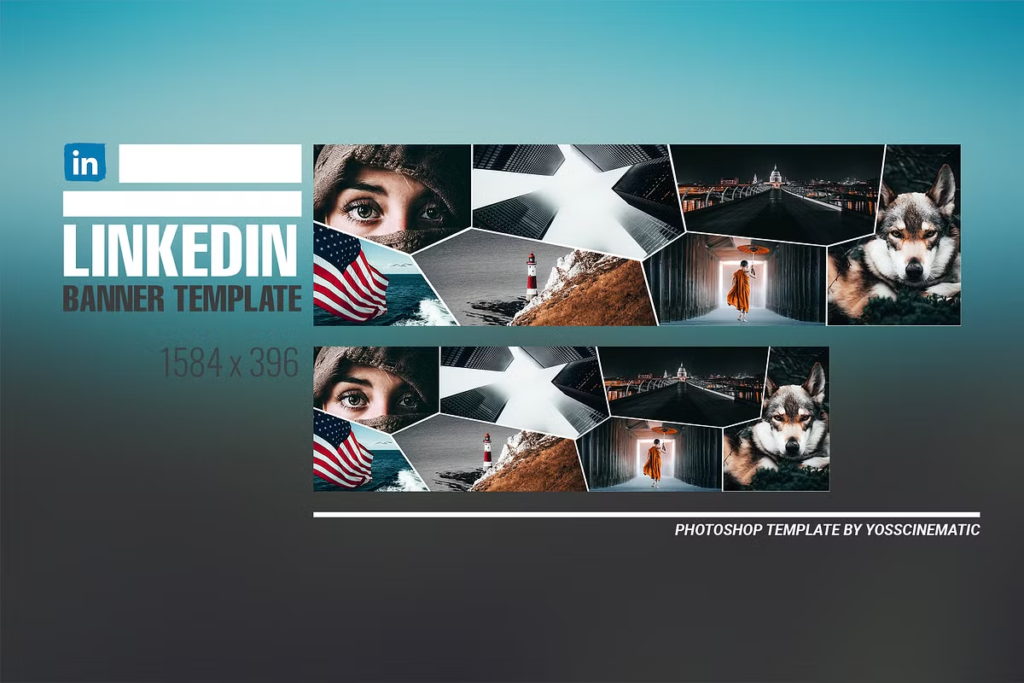
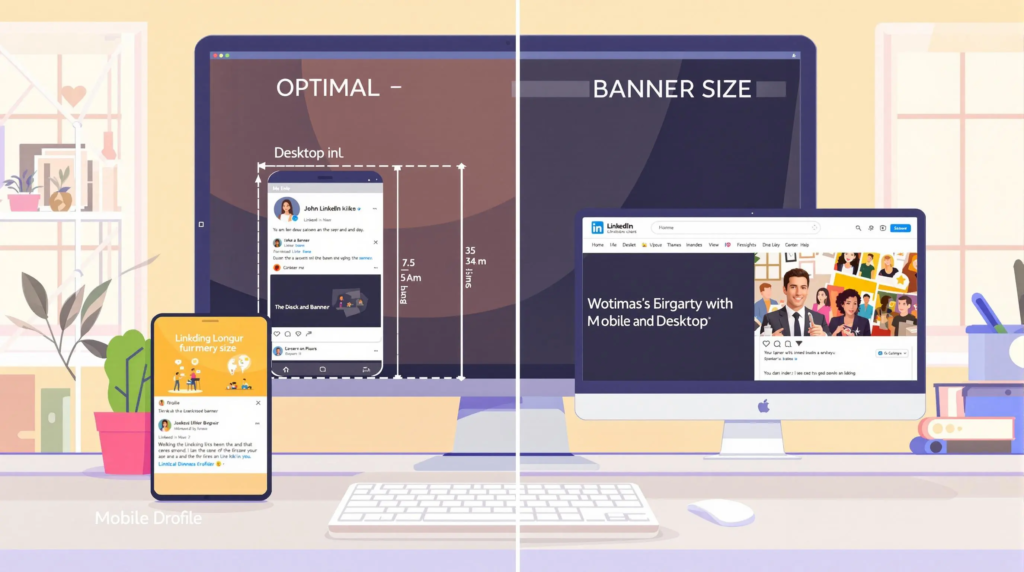
To ensure your LinkedIn banner looks professional and displays correctly on all devices, using the right dimensions is essential.
Recommended Dimensions (2026)
- Desktop: 1584 x 396 pixels
- Mobile: Ensure important elements are centered, as the sides may be cropped
- File type: JPG, PNG, or GIF (for simple animations)
- Maximum file size: 8MB
Using these dimensions guarantees your banner appears crisp and optimized across different screen sizes.
Types of LinkedIn Banners
LinkedIn banners can be customized depending on your profession, business, or goals. Here are some common types:
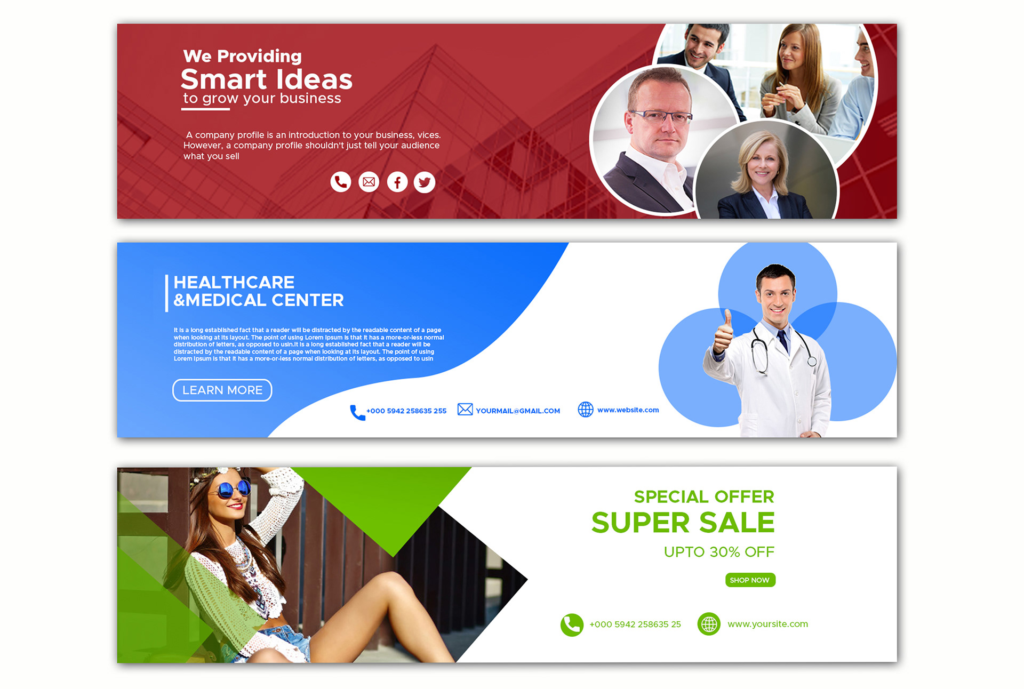
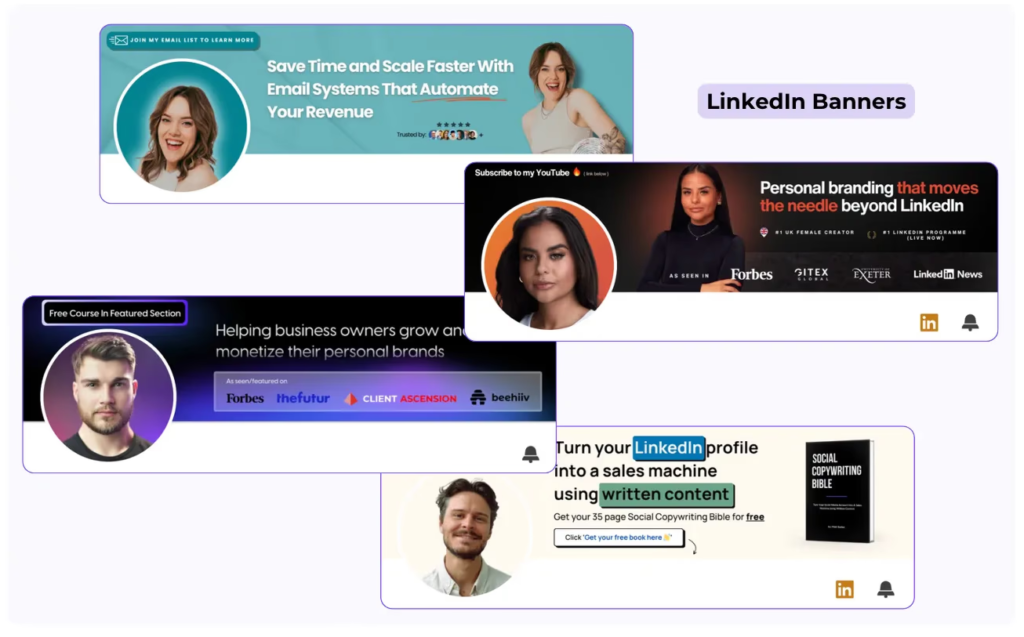
1. Personal Branding Banners
Ideal for individuals building their professional presence. Can include:
- Name and tagline
- Personal photo or illustration
- Skills or area of expertise
2. Business or Company Banners
Used by companies to highlight their brand identity:
- Logo and tagline
- Product or service visuals
- Team photos or office imagery
3. Event or Promotion Banners
Perfect for marketing campaigns or professional events:
- Upcoming webinars, workshops, or conferences
- Promotional visuals
- Dates and calls to action
4. Minimalist and Clean Banners
Simple banners that focus on professionalism:
- Solid background colors
- Clean typography
- Subtle graphics
How to Design an Effective LinkedIn Banner
Creating a high-impact LinkedIn banner requires a balance of design and strategy.
Step 1: Identify Your Purpose
Decide the main goal of your banner:
- Personal branding
- Business promotion
- Highlighting achievements or skills
Step 2: Choose Colors Wisely
Color selection should reflect your personal or corporate brand:
- Professional tones: blue, gray, white
- Vibrant accents for creativity: orange, green, purple
Step 3: Include Relevant Visuals
Images, icons, or illustrations should reinforce your message:
- Headshots or personal photos for individual profiles
- Product images or office environment for businesses
- Icons for services or skills
Step 4: Add Text Strategically
Avoid cluttering your banner with too much text. Key points include:
- Tagline or slogan
- Position or role
- Contact info (optional)
Step 5: Ensure Mobile-Friendliness
Keep critical elements centered to avoid cropping on mobile screens.
Best Practices for LinkedIn Banners
To make your LinkedIn banner stand out, follow these best practices:
- High Resolution: Avoid pixelated images for a professional look.
- Consistency with Brand: Align with personal or company branding.
- Readable Text: Use large, clear fonts if including text.
- Minimal Clutter: Focus on visuals that communicate key messages.
- Update Regularly: Reflect new achievements, campaigns, or brand changes.
- Complement Profile Picture: Avoid overlapping graphics that interfere with your profile photo.
LinkedIn Banner Design Tools
Several tools make creating professional banners easier, even without design experience:
1. Canva
- Offers pre-sized LinkedIn banner templates
- Drag-and-drop editor with stock images and fonts
2. Adobe Express (formerly Spark)
- Professional-grade tools with customizable templates
- Ideal for businesses
3. Figma
- Flexible for custom designs
- Collaborative for team projects
4. Photoshop
- Advanced editing and effects
- Suitable for experienced designers
5. Crello
- Similar to Canva with ready-made templates
- Affordable and user-friendly
LinkedIn Banner Ideas
Here are some creative ideas for LinkedIn banners:
Personal Profile Ideas
- A skyline or cityscape for business professionals
- Subtle abstract graphics for creative professionals
- Personal tagline over a clean background
Business or Company Ideas
- Highlight company products or services
- Team photo to showcase corporate culture
- Annual achievements or awards
Event Promotion Ideas
- Webinar or conference banners with dates
- Sales campaigns or new product launches
- Motivational banners for followers
Common Mistakes to Avoid in LinkedIn Banners
Even small mistakes can reduce the impact of your LinkedIn banner. Avoid these:
- Using low-resolution images
- Overcrowding with text or visuals
- Ignoring mobile optimization
- Clashing colors or fonts
- Using irrelevant or generic stock images
How LinkedIn Banners Affect Profile Performance
Your LinkedIn banner can directly influence engagement and profile visits:
- Professionalism: A well-designed banner conveys credibility.
- Branding: Reinforces personal or corporate identity.
- Engagement: Attractive visuals can encourage profile visitors to connect.
- Networking: Helps make a lasting impression on potential employers, clients, or collaborators.
LinkedIn Banner Tips for 2026
1. Keep It Modern and Minimal
Modern trends favor clean designs with minimal distractions.
2. Highlight Your Niche
Showcase your industry or expertise visually to attract the right connections.
3. Use Subtle Animation (Optional)
Light GIFs or animations can make banners more dynamic, but avoid overdoing it.
4. Match Branding Across Platforms
If you are building a personal or corporate brand, ensure consistency across LinkedIn, Twitter, Instagram, or website headers.
5. Include Contact or Website (If Relevant)
A discreet URL or social media handle can drive engagement without cluttering the banner.
Examples of Effective LinkedIn Banners
- Consultants: Clean background with tagline and logo.
- Marketers: Abstract graphics highlighting creativity.
- Developers: Code snippet visuals with personal branding.
- Companies: Product images with corporate colors and slogan.
- Freelancers: Portfolio snapshots with concise text.
How to Upload a LinkedIn Banner
- Go to your LinkedIn profile.
- Click the pencil icon on the banner area.
- Upload your banner image (JPG, PNG, or GIF).
- Adjust and crop as needed.
- Click Apply and Save.
Remember to preview on mobile and desktop to ensure proper alignment.
Conclusion
A LinkedIn_banner is more than just a background image—it is a powerful tool to communicate your brand, expertise, and personality. A well-designed banner enhances your profile, strengthens personal or corporate branding, and attracts the right connections.
By following best practices, using the right tools, and keeping design trends in mind for 2026, you can create a LinkedIn banner that leaves a lasting impression on visitors. Whether for personal branding, business promotion, or event marketing, your LinkedIn banner is an essential part of a strong professional presence.
